Yes, Microsoft Office 365 is available entirely free for all students and teachers. To be eligible you must have a school provided email address (something like @[school-name].edu or something similar), then you head to Office in Education, type your email, and you’re going to be guided through signing in. If for some reason your email doesn’t work, ask for help from your school IT administration or administration office. Once you’ve signed in, you can use all Office services such as Outlook or Word Online. You can also download the Office suite for your Windows or Mac computer.
Again, here’s a detailed step-by-step guide for new users:
- Go to Office for Students/Teachers
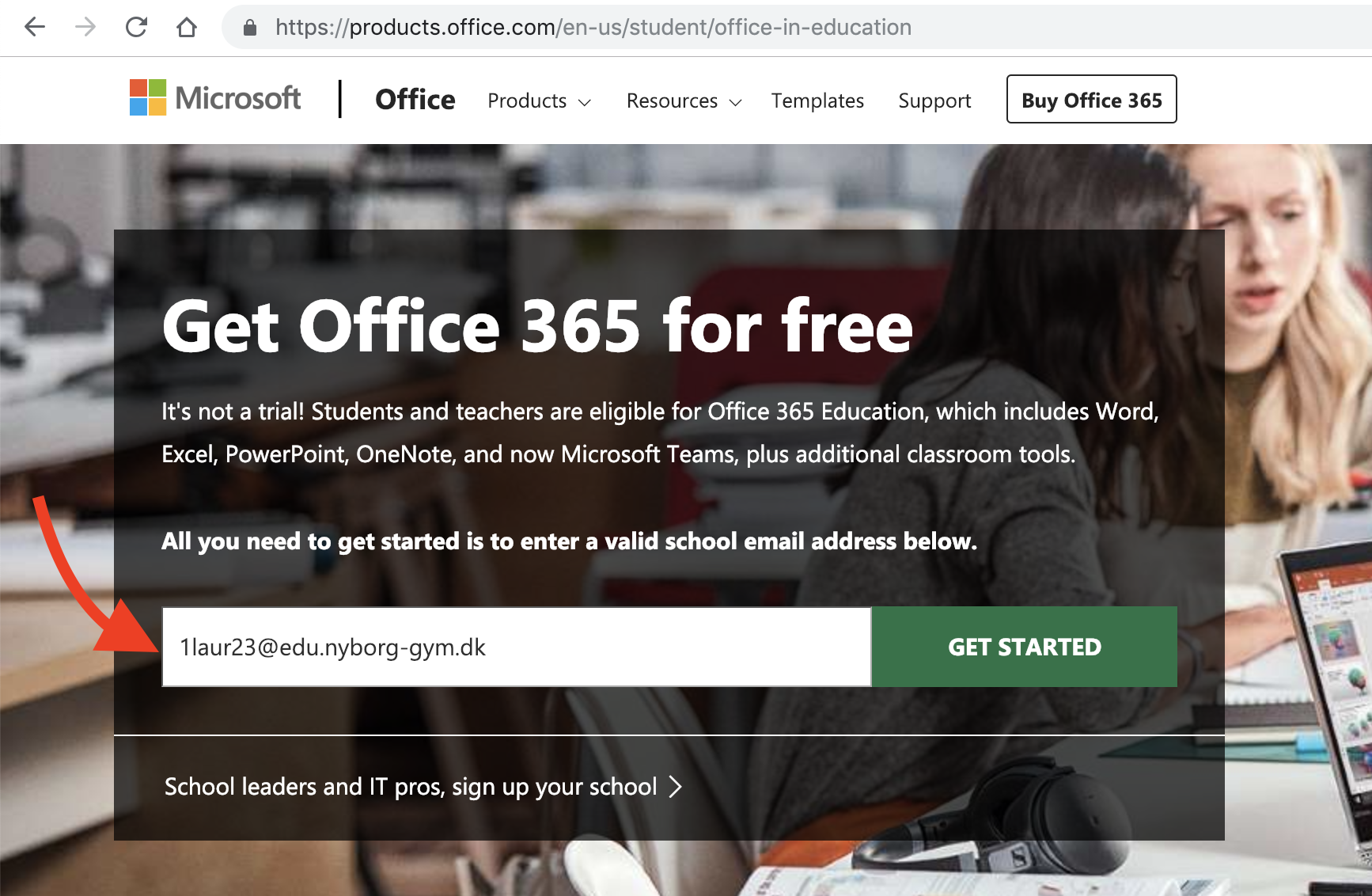
- Enter your school-provided email in the textbox.
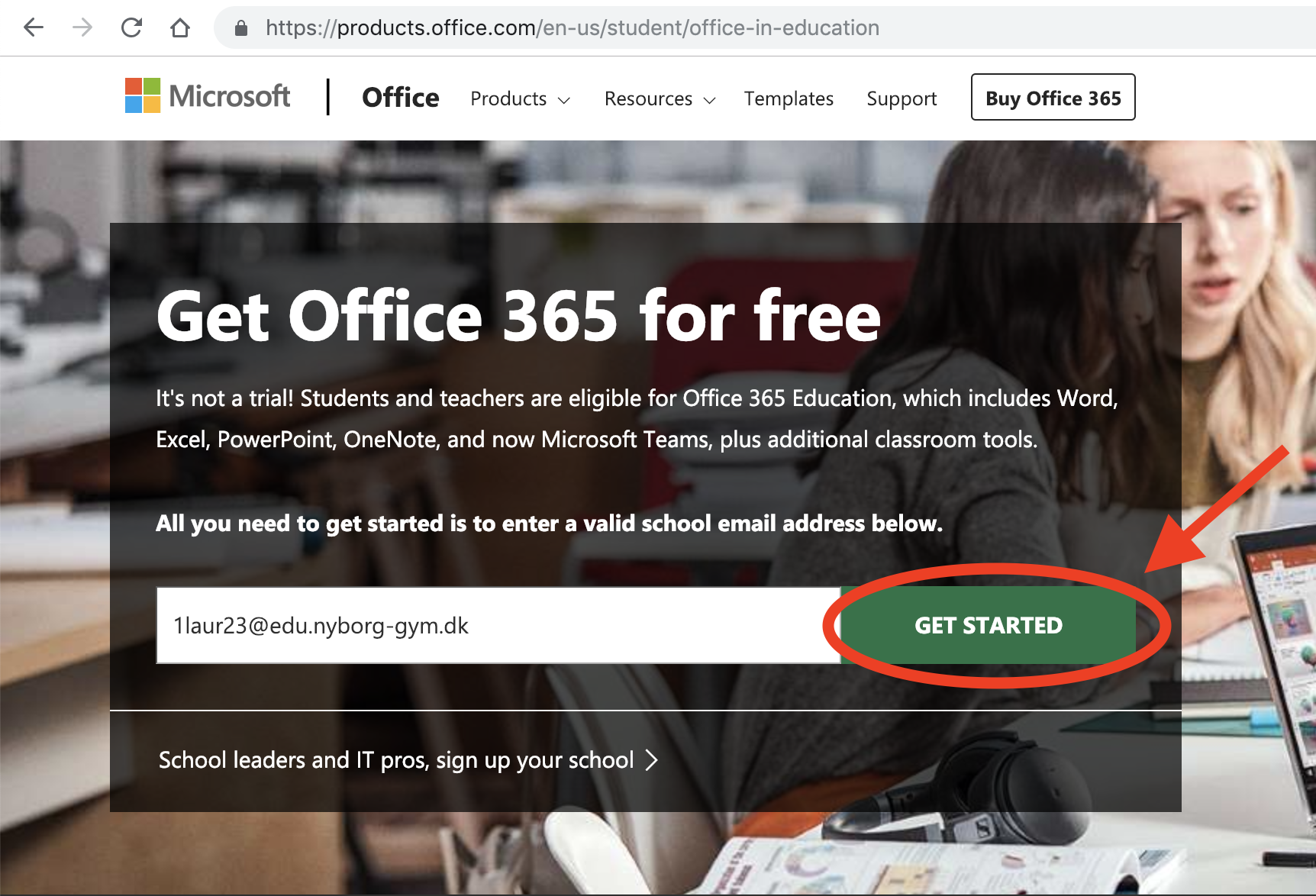
- Press ‘Get started’
- Select whether you’re a teacher or a student
- If you do not have an account, follow the instruction to create one
- At this point you’ll be presented with the Office homepage. From here you can create documents, go to outlook or download Office.
Sources: